
 Fast Shipping to most US states! & Local delivery within 250 miles
 phone support
Stern Pinball · Released
Avengers: Infinity Quest v1.12.0: Soul Gem Challenge
A new single-run challenge, optional Thanos Attacks, separate challenge leaderboards and Computer Frenzy changes.
Version 1.12.0
Models: Pro, Premium, LE
Official release date: 11/24/2026
Use the files for the exact game and edition. Software availability is separate from machine stock or pricing.
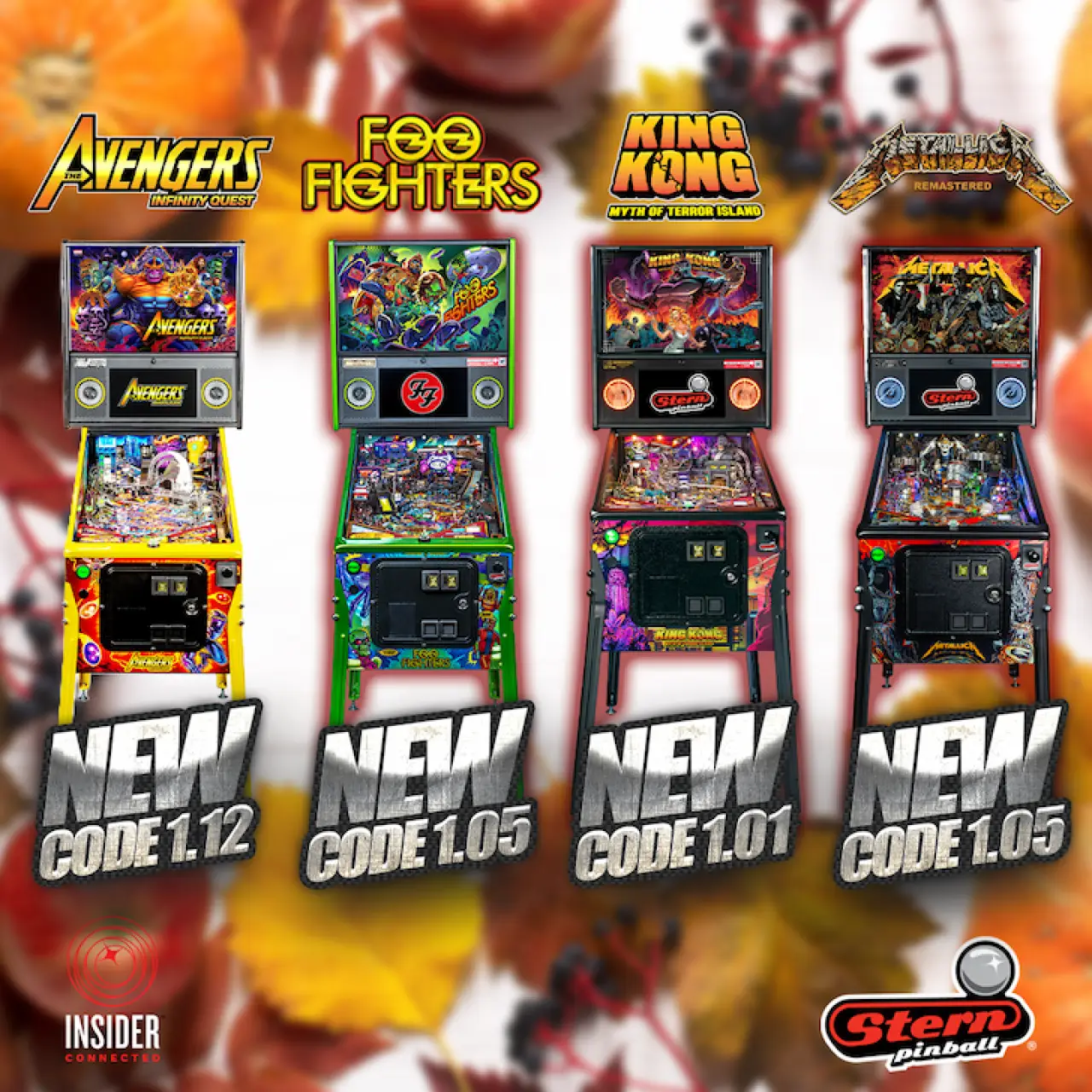
Soul Gem Challenge: one run per player
The Game Mode Menu now offers a direct route into Soul Gem. Each player gets one attempt; that player’s game ends when the challenge finishes. Remaining flips contribute to the final score, rewarding a more economical run. Multiplayer is supported.
The new challenge has its own Normal/Hard difficulty adjustment and champion entry. Its difficulty is separate from Soul Gem during normal play, and the usual Action Button offer to switch to hard mode is not available in the challenge.
Thanos Attacks becomes a choice
The default setting now lets a player pass a ready Thanos Attacks for 25,000,000 points without risking a Gem. Passing uses the opportunity for that game. If the player accepts and loses, Thanos takes the defended Gem.
Operators can disable the pass offer using the new optional-play adjustment. The earlier adjustment that prevented Gem theft has been removed.
Scoring, leaderboards and fixes
Battle Royale Challenge and Soul Gem Challenge now report separate modes to Insider Connected. Play Again retains the selected challenge or competition mode. Computer Frenzy Multiball scoring increases, and its default ball-save timer rises from 30 to 35 seconds.
Fixes address Computer Grid qualification, Instant Info interrupting display effects, and credit-text overlap in attract mode. Stern lists System 4.41.0, OS 2.7.0 and nodeboard firmware/protocol 1.42.0.
About the version-number gap
The current official Pro and Premium/LE cumulative documents list 1.12.0 immediately before 1.10.0. They do not document a 1.11.0 release. This archive does not create an unsupported release or date to fill the numeric gap.
Official notes and updating your machine
Pro cumulative notes · Premium / LE cumulative notes · Stern game-code library.
On a connected machine, open Test Mode from the coin door, then choose Stern Insider Connected Setup and Software Update. Stern’s notes describe manual installation and the automatic-update option. USB users should follow the edition-specific manufacturer instructions and wait for the machine’s completion prompt before removing the drive.
Evolution Pinball links to official files; it does not host or redistribute game code. Check your edition and operator settings before installation.