
 Fast Shipping to most US states! & Local delivery within 250 miles
 phone support
Stern Pinball · Released
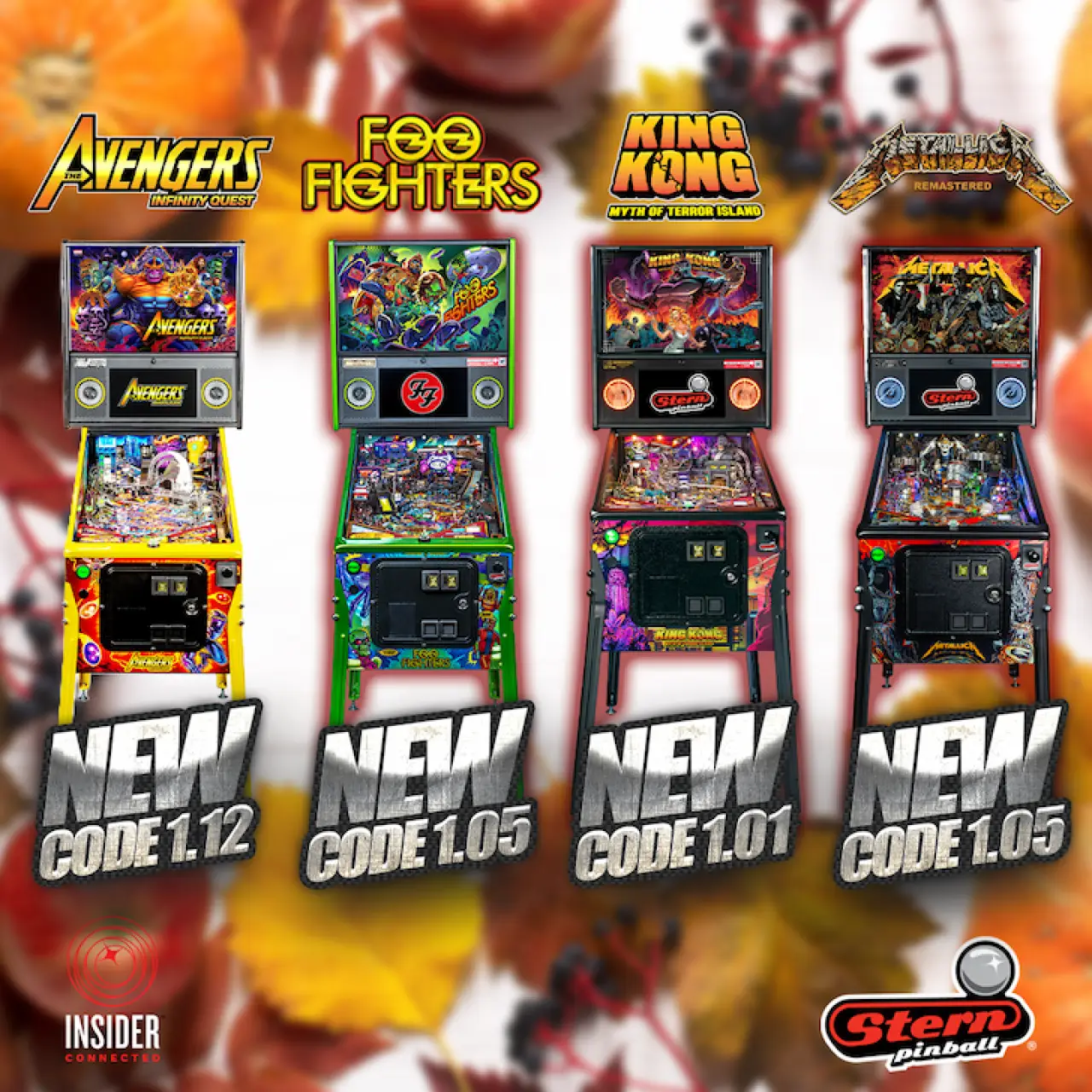
Foo Fighters v1.05.0: Co-op, Team Play and Behind the Scenes
Shared-progress play, achievement-gated animatics, easier Overlord progression and a Bot Frenzy stall fix.
Version 1.05.0
Models: Pro, Premium, LE
Official release date: 11/24/2026
Use the files for the exact game and edition. Software availability is separate from machine stock or pricing.
Co-op and Team Play
The Game Play Menu now includes cooperative and team options. Progress is shared among teammates, or among everyone in co-op. These are selectable game modes rather than a replacement for normal individual play.
How Behind the Scenes is unlocked
Sign in to Insider Connected with the FooBot Multiball achievement to access Enable Behind the Scenes in the game menu. After enabling it and choosing a mode, the next game replaces most video assets with behind-the-scenes animatics.
The achievement requirement belongs to Behind the Scenes. It should not be read as a requirement for the newly added Co-op and Team Play options.
Progression and scoring changes
Overlord Multiballs 2 and 3 require fewer hits. Mod-u-lator bonus-multiplier advancement drops from three target hits to two. The super-skill-shot high-five chain gets a larger base and increment; combo bonus scoring doubles to 100,000.
Sonic Radio starts with a minimum five-million jackpot, and its qualification timer pauses when the mode is ready to start. Completing all six van modes grants the left-leg FooBot part if it is still missing. The Pretender and Monkey Wrench receive revised expression-light shows.
Fixes and service changes
Stern fixes an Overlord-lock/Bot Frenzy interaction that could stall play until ball save expired. Other changes address Instant Info interruptions, inappropriate Sonic Radio callouts and New York qualification when the spinner is not registering.
Ball-save timing pauses during Overlord lock animations. Stern lists System 4.41.0 and nodeboard firmware/protocol 1.42.0, together with pricing and default-game-mode fixes.
Official notes and updating your machine
Pro cumulative notes · Premium / LE cumulative notes · Stern game-code library.
On a connected machine, open Test Mode from the coin door, then choose Stern Insider Connected Setup and Software Update. Stern’s notes describe manual installation and the automatic-update option. USB users should follow the edition-specific manufacturer instructions and wait for the machine’s completion prompt before removing the drive.
Evolution Pinball links to official files; it does not host or redistribute game code. Check your edition and operator settings before installation.